Around 1.6 million people had a trusted browser extension installed on Chrome and Edge. Hidden in its code sat a collector ready to log every site they visited. Google and Microsoft have now pulled it from their stores.
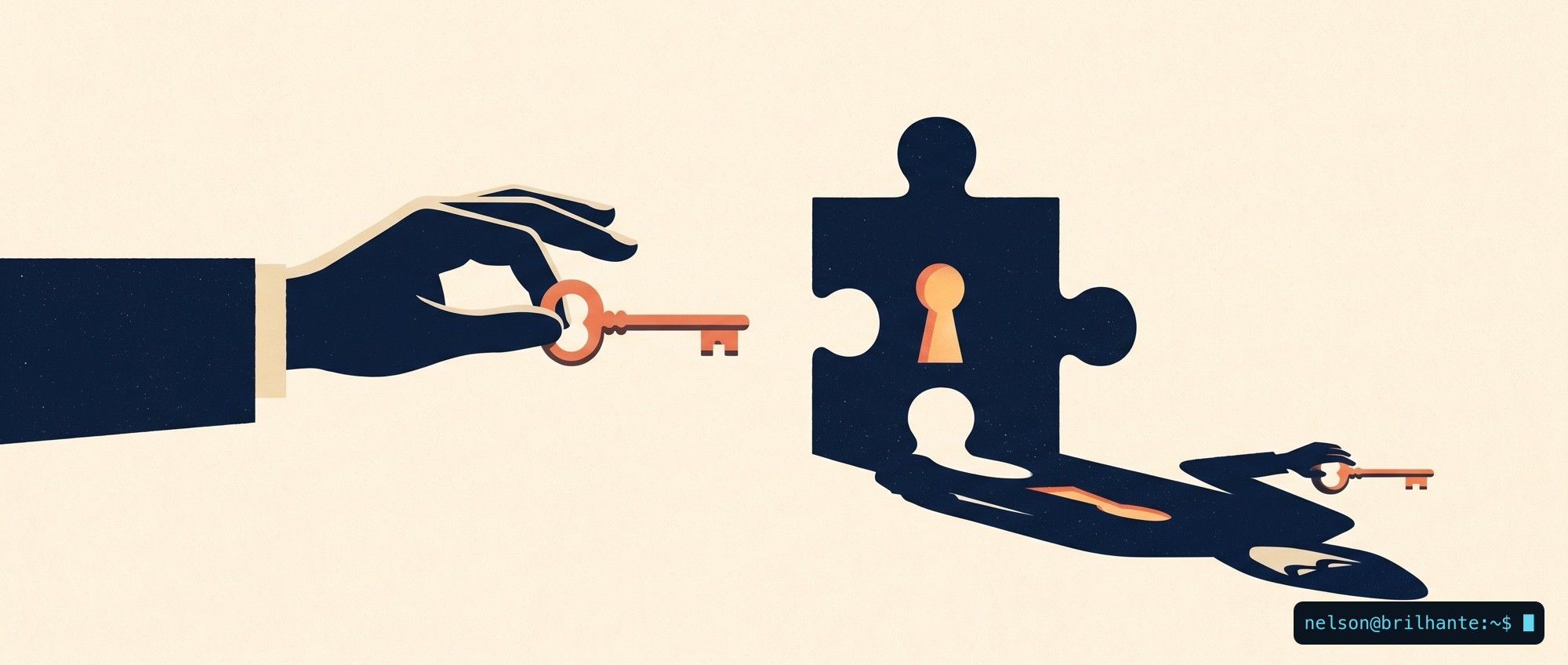
It is called ModHeader, a tool that lets you change the headers your browser sends with each request (the HTTP headers), used mostly by people who build and test websites. The detail that should unsettle you is not the usual one, a fake clone posing as the real thing. It was the genuine build, the very version the official store signed and distributed, that carried the collector inside.
The real build, not a clone
The alarm came from Stripe OLT, a UK security firm. They checked the code against the Google store's own signature and confirmed the worst: the spy travelled inside the real extension, in version 7.0.18, not in an imitation. This is where the "genuine" stamp on the stores shows exactly what it is worth. It guarantees that this really is the developer's build; it does not guarantee that the developer's build is harmless.
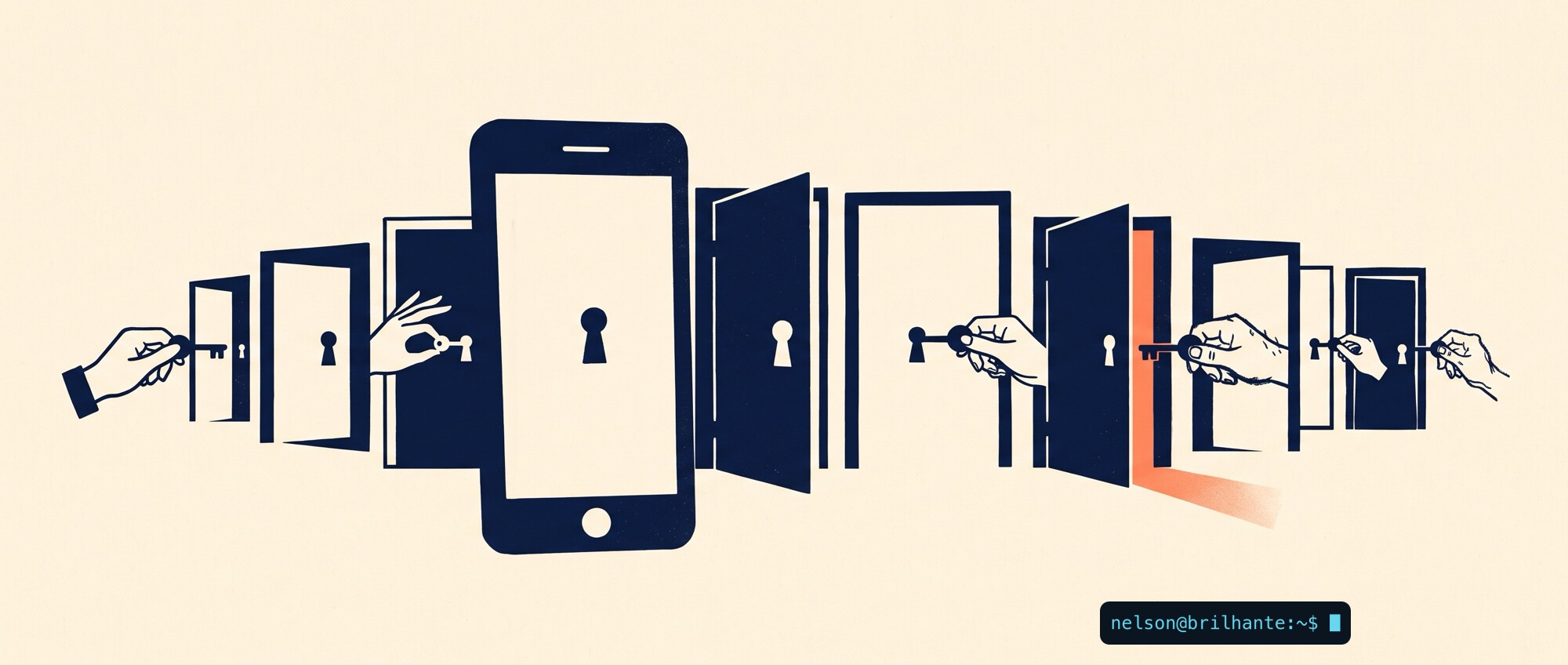
And an extension is not something you inspect once and file away. It is code that updates itself, silently, forever, with the permissions you granted on day one. You approve it once and trust it always, even as the program rewrites itself under your feet.
What it did, and why it slipped through
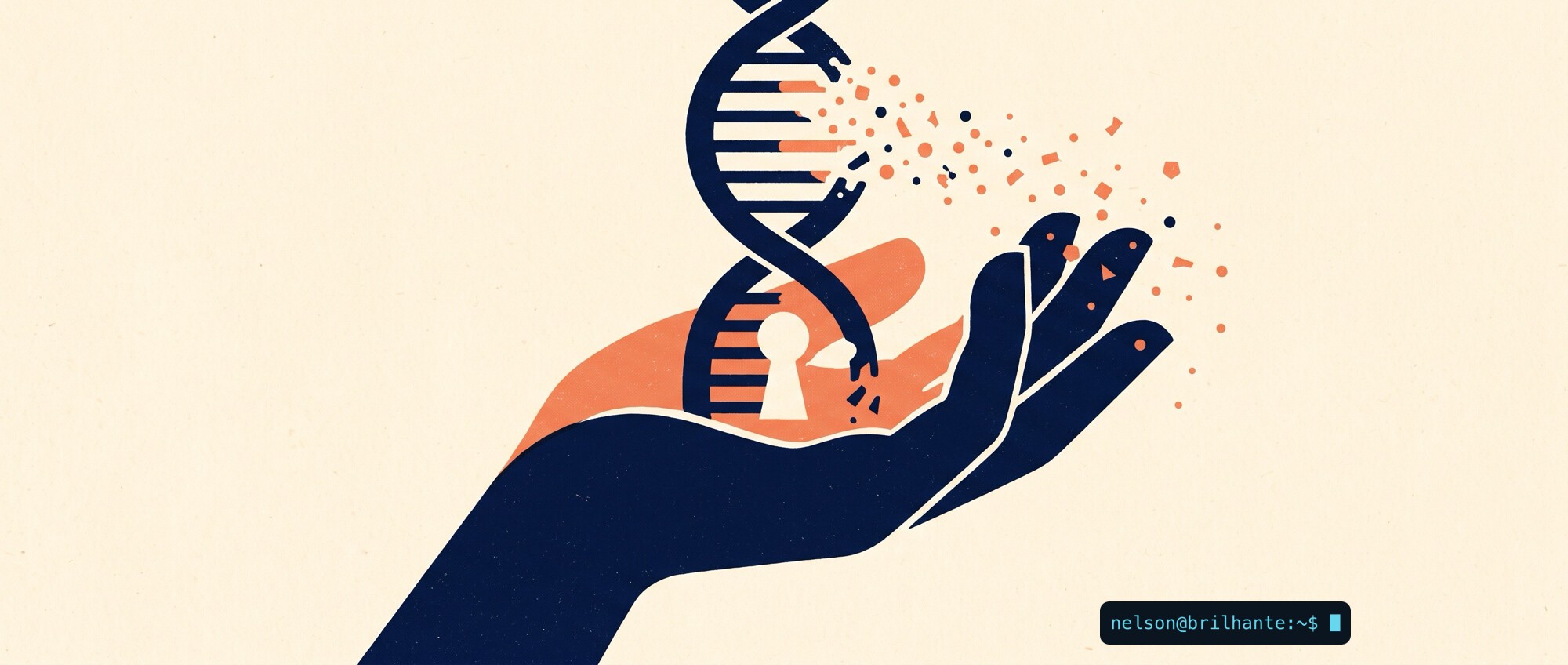
Switched on, the collector grabbed the domains of the sites you opened, encrypted the list with a key hidden in its own code, stored it inside the browser and, once it reached a thousand addresses, packaged everything and sent it to a waiting server at api.stanfordstudies.com. Every piece was designed to fool the stores' automated review: the data left encrypted so it could not be read, the upload was switched off by default, and the malicious code was diluted into the legitimate codebase and compressed so it would not stand out.
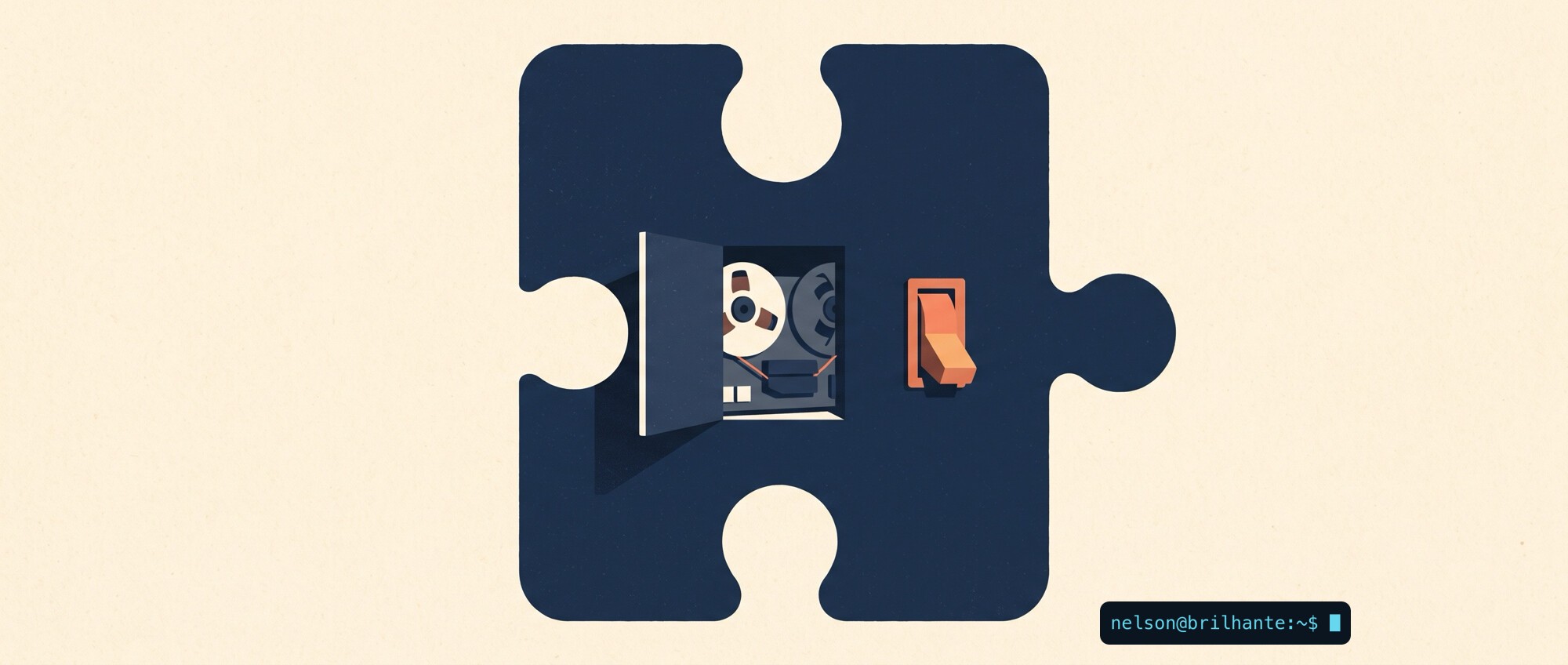
There was, even so, an accidental safeguard. The collector was dormant, an empty allow-list kept it switched off, and there is no proof it ever gathered or sent a single address. It was armed, not fired. Microsoft pulled it from the Edge store on July 3 and Google removed it from Chrome a week later, on the 10th. Even switched off, it showed a pulse: the extension contacted a second domain, extensions-hub.com, every time it was installed, updated or removed, reporting which product, which version and which browser.
From the standpoint of someone who investigates incidents, "no proof it fired" is not the same as "it was safe." It is a wiretap installed but not yet switched on, and the distance between the two is a single line of configuration. The absence of known victims is explained by the empty list, not by any goodness in the code. And this is not the first time useful, verified extensions in the official stores have been caught doing what nobody asked for.
How to protect yourself
The case is a good excuse for a cleanup almost nobody does:
- Tidy up the extensions you have. Remove the ones you no longer use; each is an open door with the permissions you once granted it.
- Read the permissions it asks for. A simple tool that demands to "read and change all your data on the sites you visit" is asking for a lot given what it does.
- Remember the silent update. The risk does not live only on the day you install; it lives in every automatic update that follows. Keep the extensions you empower to a minimum.
- Removal from the store does not remove it from your browser. The extension stays installed until you take it out by hand, so check that it is gone.
- If you used ModHeader for work, rotate your secrets now. API keys, authorization tokens and session cookies you placed in custom headers should be treated as exposed and replaced.
The official store filters a great deal, but it does not filter time, and the code you trusted yesterday may not be the code that runs tomorrow. The useful question is no longer whether an extension is trustworthy, but whether it still is.
Source: The Hacker News.
#StaySafe
🙏🖖