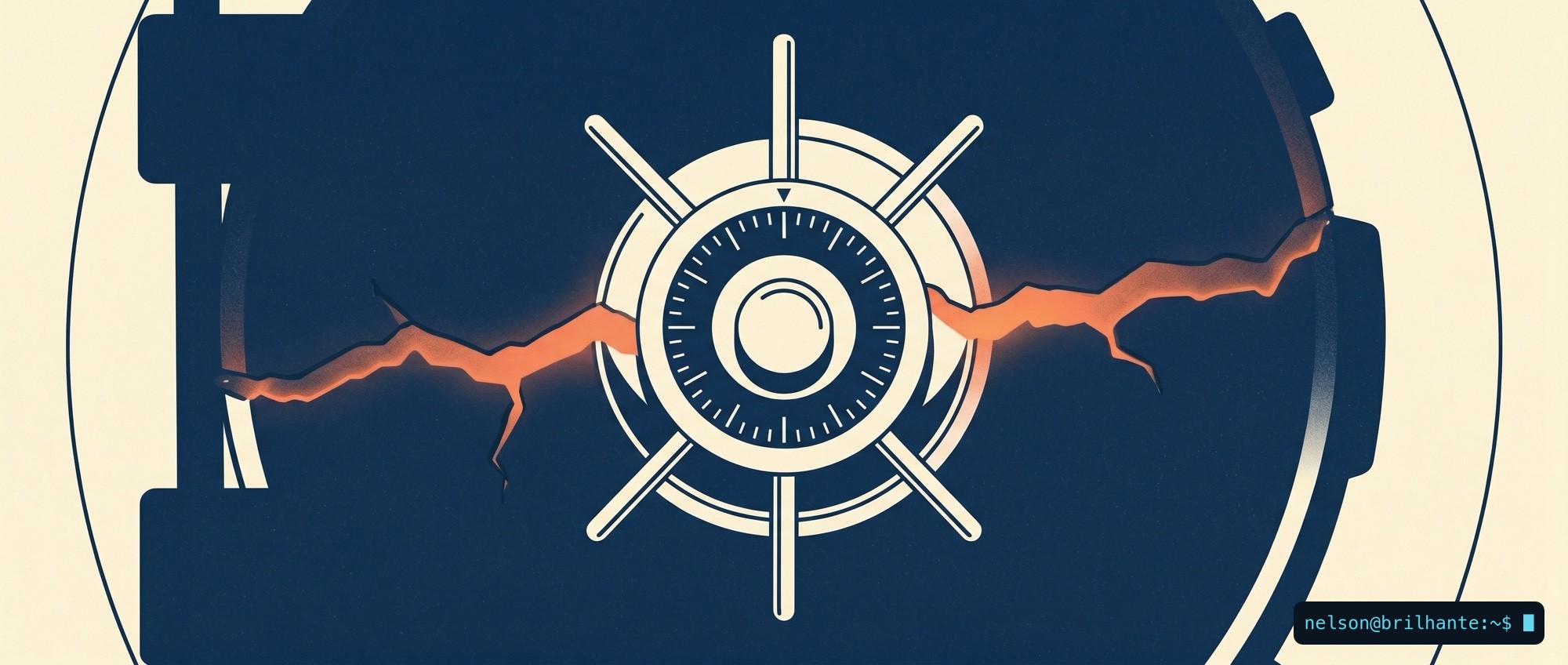
Millions of iPhones carry a door left ajar at startup that no update will ever close. Not because Apple forgot: the flaw is cast into the chip itself, burned in at the factory, in a slice of memory that nobody rewrites once the plant has sealed it.
On 18 June 2026, Paradigm Shift, an independent European cybersecurity firm, disclosed usbliter8 on its blog: a flaw that hands an attacker control of the phone before iOS even starts, to the point of running unauthorized software. As good practice, it reported the issue to Apple before going public.
It affects the Apple A12 and A13 processors, which means the iPhone XR, XS, XS Max, iPhone 11, 11 Pro, 11 Pro Max and the second-generation iPhone SE. And it does not stop at phones: it reaches several iPads, the Apple Watch Series 4 and 5, the HomePod mini, the Studio Display and the second-generation Apple TV 4K.
The name is no accident. It echoes checkm8, the 2019 flaw that cracked open every model from the iPhone 4S to the iPhone X and became the foundation of jailbreaks (unofficial unlocks that strip the system's restrictions) and of forensic data-extraction tools. usbliter8 extends the same class of attack to the next generation of chips.
Why this cannot be fixed
The flaw lives in SecureROM, also called BootROM: the very first instruction the chip reads when it wakes, written into read-only memory the moment the processor is manufactured. It is the foundation every later layer of security stands on, and it is precisely because it is read-only that an update cannot rewrite it. The researchers exploit it by connecting the device over a cable, in DFU mode (the iPhone's deep recovery mode), and abusing a fault in the USB controller to write code where it should not go.
Changing the lock does not help when the problem is the steel of the door. An update changes the software; it does not change the silicon. So Apple has no patch to ship here, and the researchers themselves are blunt: the most effective mitigation is moving to newer hardware.
The danger is not in your hand
Before the panic, the honest framing: this is not a remote attack. Nobody drains your bank account over Wi-Fi with usbliter8. It takes having the phone in hand, plugging it into dedicated equipment over a cable, and putting it into DFU mode. Your iPhone in your pocket, powered on and with you, is not being broken into over the air.
The real risk is a physical one: the stolen or lost phone, the device seized at a border, what you leave behind at a repair shop, and the chosen targets of those with resources, such as journalists, activists and staff who carry sensitive information. None of this is abstract: the iPhone 11, the XR and the second-generation SE are everywhere, they dominate the second-hand market, and street phone theft is an everyday risk.
There is one detail that changes the tone of the alarm, and it demands honesty in both directions. usbliter8 does not decrypt your data on its own: it attacks the startup, not the drawer where the phone keeps its secrets. But the researchers themselves warn that it opens paths that could lead to compromising the Secure Enclave, the dedicated vault that holds the encrypted data and your passcode. In other words: it does not crack your phone by itself, but it is the foot in the door from which that attack is built. That is why your passcode remains the most important defense you control, without ever being an absolute guarantee.
What to do today
This is not a reason to throw your phone away by the end of the day. It is a reason to treat the device for what it is, and to harden what is within your reach:
- Check whether you are on the list. If you have an iPhone XR, XS, XS Max, 11 (any version) or second-generation SE, this is for you.
- Swap the six-digit PIN for a passphrase. In Settings, choose a long alphanumeric code. It is what makes guessing your code, and through it reaching your data, impractical even if the phone ends up in the wrong hands. It is still the most important defense you control.
- Count on inactivity reboot. iOS restarts the phone on its own after a few days locked, returning it to the state where data is best protected. And if you know you are about to lose control of the device (a border, a risky place), power it off yourself: a phone that is switched off guards what it holds far better.
- Close the cable's door. Turn on USB Restricted Mode by disabling "Allow Accessories When Locked," so the phone refuses data connections over the cable once it has been locked for a while.
- If your profile is high-risk, the only real fix is hardware. Anyone who crosses borders with sensitive data, works in journalism or activism, or keeps on their phone what cannot leak, should move to an iPhone with an A14 chip or newer. And turn on Lockdown Mode.
This flaw is not fixed; it is managed. And managing it starts by accepting something we take for granted that was never quite true: "it's up to date" was never the end of the security conversation. It was the beginning. Your phone is not in danger in your hand. It is in danger the day it stops being there, and that is the day you prepare for today.
Sources: Mashable, Paradigm Shift.
#StaySafe
🙏🖖